Eric Z Goodnight

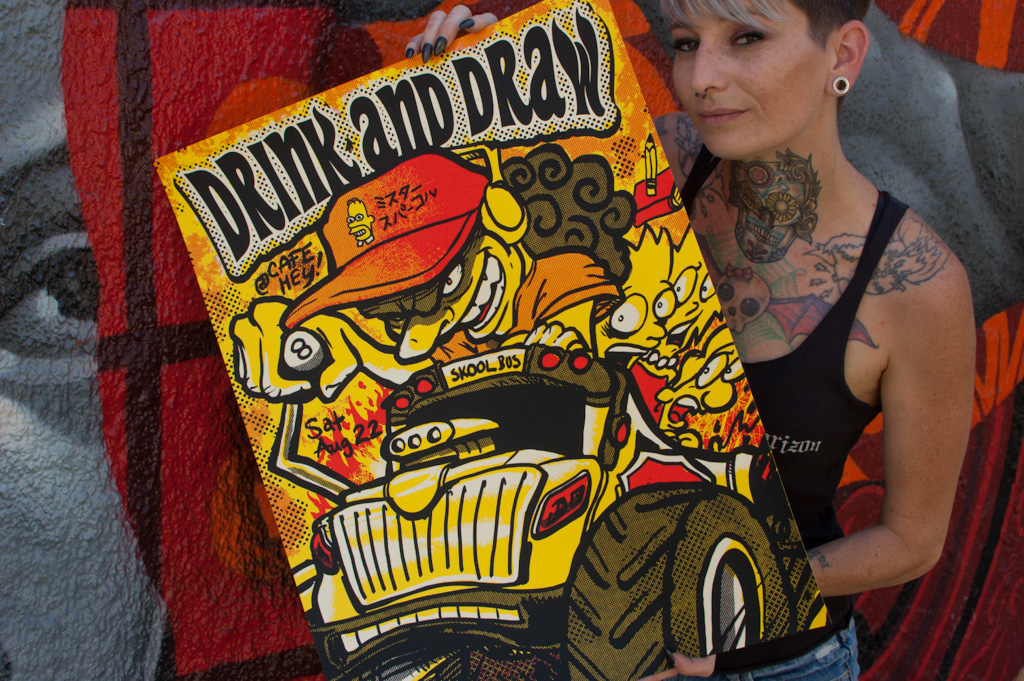
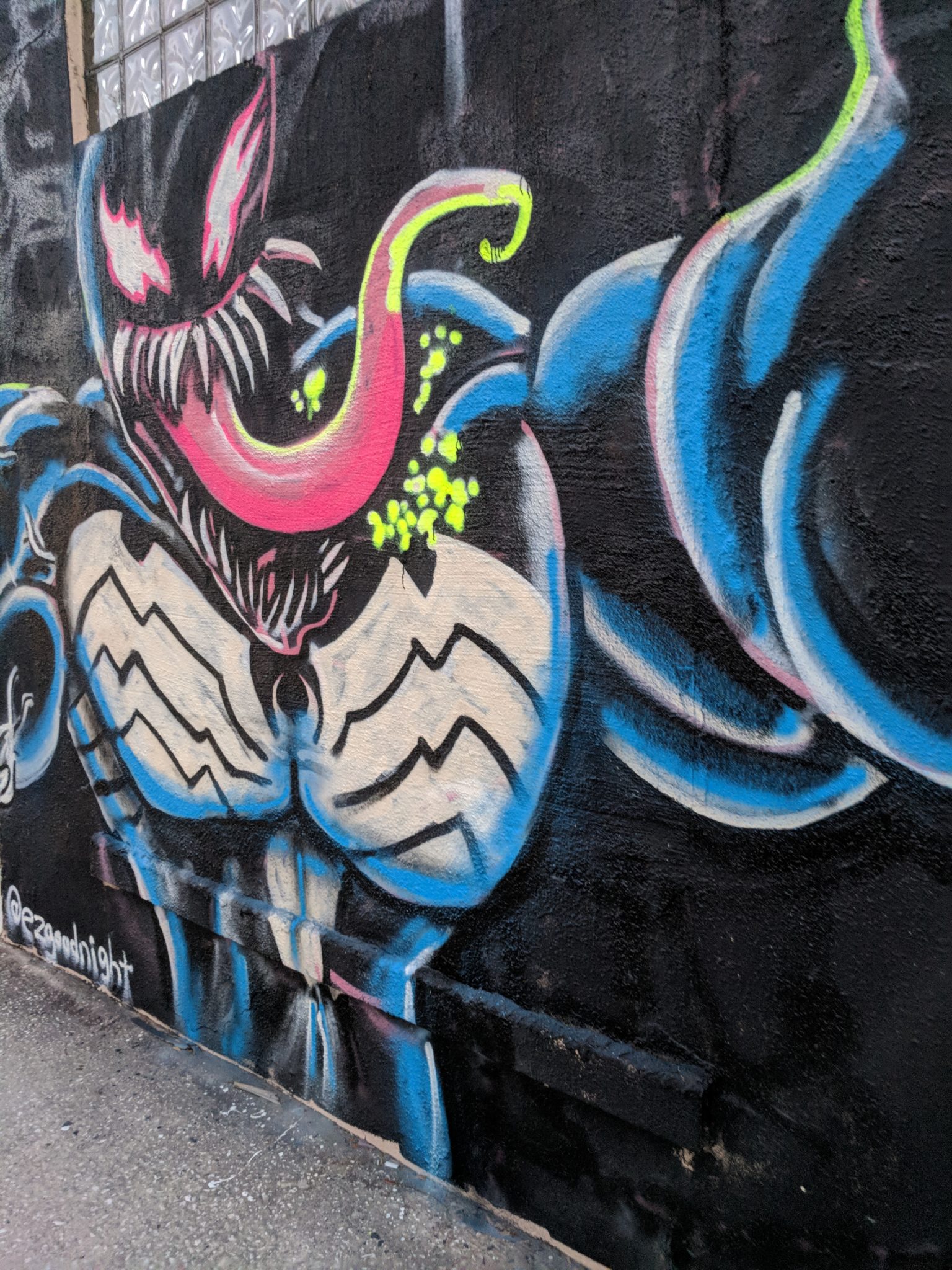
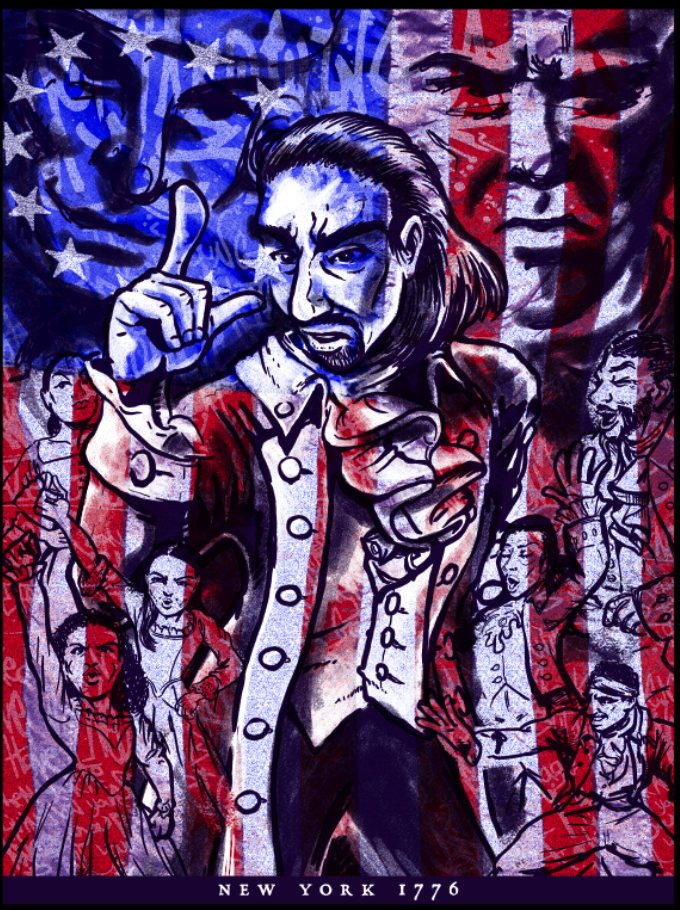
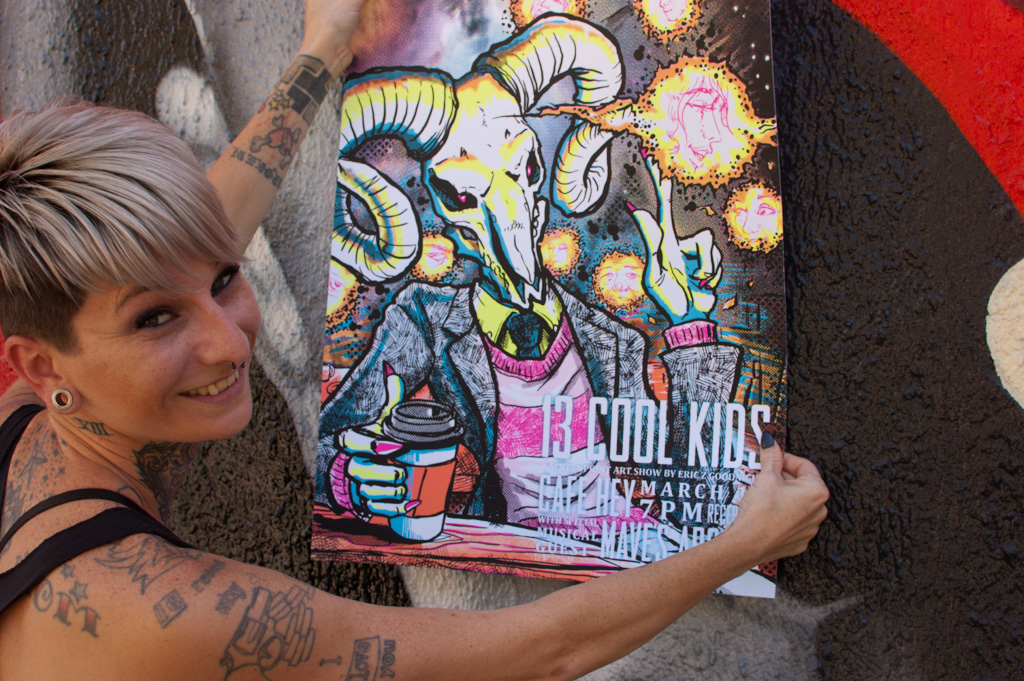
Illustrator, Designer, Printer.

Photoshop Guru & Screen Print junkie.

Graphics blogger at How-To Geek.

Big nerd. You'd like him.


Portfolio | Facebook | Blog

Wallpapers | Downloads

Profile

Illustrator/Production Art Manager at RMR Designs
Graphic Design | Tampa/St. Petersburg, Florida Area, US

Summary

Degree in Illustration and Design from a rigorous program at East Carolina University. An experienced color separator and screenprint artist currently building knowledge on the science and art of screenprinting. Honing a skillset of Simulated Process separations, with experience with Index Seps and Four-Color Process separations.
Hobbyist computer builder; often known as the "tech guy" at work, known for removing viruses and troubleshooting misbehaving equipment.
Expert at Adobe Photoshop, with extensive experience in Illustrator and other Adobe Programs.
Specialties: Simulated Process Printing Separations, Illustration, Graphic Design, Advanced Computer Skills, and Troubleshooting

Experience

  • 2010 - Present
    Independent Contract Writer / How-To Geek
    Graphics, Photoshop, misc tech, and all things artsy. I have a regular column on Mondays and Wednesdays.
  • Mar 2008 - Present
    Artist / Printshirt.com
    I create artwork and oversee fulfillment for clients all around the world who need screenprinted, embroidered, and decorated goods of all kinds.
  • May 2006 - Present
    Production Art Manager/Illustrator/Designer / RMR Designs
    I do our company's most difficult color separations, oversee quality control in production, create motivational programs, manage employees, and other duties. I am also an illustrator and designer and have many designs in various theme parks and shops around the US, US Territories, and the Caribbean. I am often the "Tech Guy" since I have advanced knowledge of computers and a knack for troubleshooting our equipment. I manage the network, fix everybody's computer, and try to find technology solutions to better our company. I work passionately to try to improve everyone's working lives.
  • May 2004 - Present
    Freelance Illustration / Free Will Unlimited
    Illustrator available for freelance positions. Media includes Photoshop, Illustrator, Oil and Acrylic paint, Collage, Pen and Ink, Lithography, Screen Print, Intaglio and Relief Printing, Watercolor, Mixed Media, and advanced pencil rendering.
  • May 2004 - Present
    Freelance Color Separations / freewillunlimited.com
    I am skilled at Simulated Process Printing, index, and 4 color process color separations for screenprint. Contact me for quotes.
  • Oct 2005 - Present
    Illustrator/Art Department / Southprint and Checkered Flag Apparel
    A creative art position working for a prominent NASCAR screenprinting company based out of Virginia.

Education

  • 1999 - 2004
    East Carolina University
    BFA in Communication Art, concentration in Illustration
    Activities: Design Associates, Print Guild

Additional Information

Websites:
Honors:
Excellence in Illustration, East Carolina University, 2004 First Place in Literary Catagory, East Carolina Literary Magazine "The Rebel", 2003-04
Interests:
Tecnhology, Computers, Art, Illustration, Writing, Printing, Screenprinting, Open Source Computing,

Answers

Ask a question

Posts

May 21, 08:00 AM

When you’re shooting portraits, the soft background look keeps distracting backgrounds from ruining a shot. If you’ve not shot correctly, here’s a quick, simple tip to pop out your foreground and keep the most important parts the most visible.

May 17, 08:00 AM

Encryption tools exist to protect your privacy… and also to make you feel like you’re an awesome spy. Today we’ll use a portable USB drive to hold all of your passwords encrypted in a virtual disk hidden inside a file.

Certain kinds of cryptography were once called “weapons of mass destruction” because certain people thought it was so dangerous. Although clever people are making it good security more and more difficult, encryption tools like the one we’ll be using today are readily available, free, and provide a high level of security that is nearly impossible to break into if done properly. Put on your spy mask and keep reading to find out how to build the perfect encrypted password safe.

And for the skeptics that are curious about the “FBI” claim in our headline, you can read up on Operation Satyagraha, where money launderer Daniel Dantas has successfully encrypted his data and kept the FBI at bay for as long as a year with the very tools we’re going to use today.

May 14, 08:00 AM

Printers have been using line tones to create rich looking images long before there was any digital art. Today we’ll be using Photoshop tricks (with no filters) to turn an ordinary photograph into old-timey line tone style piece of art.

May 10, 08:00 AM

Creating animations from scratch in Photoshop might seem daunting, but in fact, they’re very simple. Fire up Photoshop and grab some of your files. It’s time to annoy the pants off of your friends with lots of animated GIFs!

We’ve talked about some simple ways to turn video and Youtube rips into animated GIFs, but today we’re going to show you how to make a simple animation without using any video files. Keep reading—this one’s a lot of fun.

May 09, 06:00 PM

One of the characters you might have seen around How-To Geek is our very own “Keyboard Ninja.” Today, we honor him in t-shirt form, and you can pick the first design you’d like to see printed for the HTG store.

If you like the content here at HTG, we’d love to hear back from you—we made these for you, the readers, and we hope to hear if you like what we’ve got to offer. Check them out, tell us your thoughts in the comments section (or send us emails at merchandise@howtogeek.com) and fill out our poll in the section below.  The design that you like the most will be professionally printed and sold right here at howtogeek.com. Interested in buying one of them right now? Join our mailing list to be notified when they’re ready for be bought and shipped right to you.

May 07, 08:00 AM

For those of you of the artistic persuasion, you might be using Photoshop or GIMP to color your scanned drawings. Fortunately, putting the line art in a transparent layer is very easy with this slick technique.

This technique is a standard for any Photoshop user’s bag of tricks, and one that is useful lots of different situations. It can work on rough drawings, tight, inked line art, or even layers you’ve accidently drawn into or merged while working. Keep reading to see our simple technique.

May 03, 08:00 AM

If you think Photoshop is the most powerful tool in a photographer’s toolbox, think again. Whether you’re using freeware, Adobe Camera Raw, or Lightroom, Raw developing tools are the best way to turn good pictures into great ones.

Raw editors have very specific tools for making very fine tuned adjustments, as well as powerful, image transforming changes. But the program has a lot of new tools to learn, most of which don’t appear obvious and easy. Keep reading—we’ll discuss more about these powerful tools and how you can use them even if you’re not equipped with a camera that can shoot in a raw format.

April 30, 08:00 AM

You might laugh at the high retail prices for “premium” cables at big box retail stores. But is it possible that a higher quality cable can give you a better digital signal? The nuance of the answer may surprise you.

Cables might seem like a boring part of your computer or home entertainment equipment. You plug them in, they work. End of story, right? Again, the nuance may surprise you. To better understand how your cables work, we’ll have to look at the physics and science of how the signals are sent, and the engineering feats that had to be accomplished to create images and sounds. Even if you think common sense or a little geek knowledge is all you need to get the right cable for your home entertainment system—think again. Here’s some of the most helpful (and coolest) information we’ve found about cables and digital signals.

April 26, 08:00 AM

Creating a background image for your webpage (or desktop background) isn’t challenging at all. In fact, even a newbie Photoshop user can bash one out in about ten seconds. Here’s the simplest of simple methods with surprising, great results.

April 05, 08:00 AM

If you’ve followed along, you’ve bought hosting and installed WordPress software for a swanky new webpage. Today we’ll explain the less obvious perks of WordPress and how you can get a bit more mileage out of your new web software.

This is the third and final entry in our series on owning your own website and creating content with a basic WordPress installation. In language any beginner could understand, we’ll talk about the plugins and tweaks that you can use to get features you might have not realized were even possible.

Posts

abcdefghijklmnopqrstuvwxyz abcdefghijklmnopqrstuvwxyz